Create "Lifetime" Report
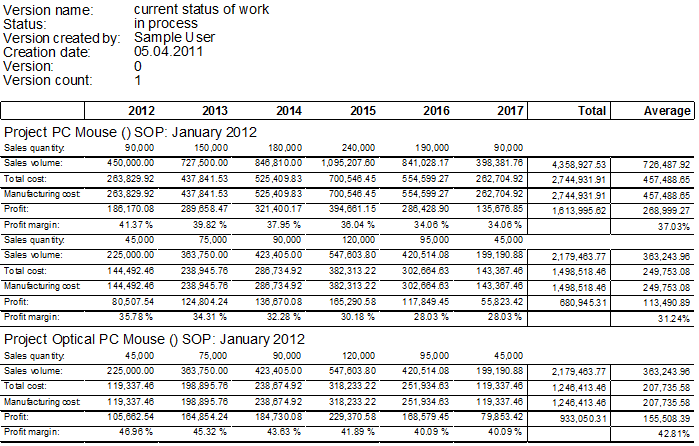
Use the "Lifetime" report to view the project key figures of the entire project duration.
-
In the ribbon, click on Reporting > Execute Report > Lifetime.
The "Print Options" dialog opens.
-
In the ribbon, click on Start.
Further Information