List Styles - Workspace Explorer
Administer existing List Styles for the Workspace Explorer in this interface.
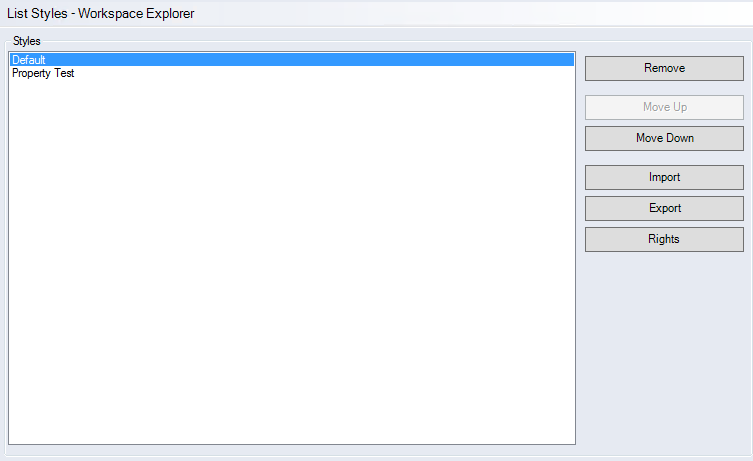
"Styles" group
-
List of available List Styles
The list shows all defined column configurations. For this view, FACTON uses the first configuration the user has rights to.
Customize FACTONThe configuration of the List Style columns is done by the FACTON Consulting.
-
"Delete" button
The selected List Style is deleted after confirming the security prompt. If the default List Style is deleted, the Workspace Explorer only shows the first column with file name and project name.
-
"Move Up" and "Move Down" buttons
Moves the List Style up and down. The order defines which List Style is used for displaying the Workspace Explorer. The first List Style that the user has rights to is being used.
-
"Import" button
Import a list style as .json format.
-
"Export" button
Export the selected List Style.
-
"Rights" button
Manage user rights for the highlighted List Style.
Changes (e.g. activating a specific List Style) take affect after restarting the client or after logging out and logging in again.