"Content of the Lookup Table" dialog
Use this dialog to display, edit or delete the content of a lookup table.
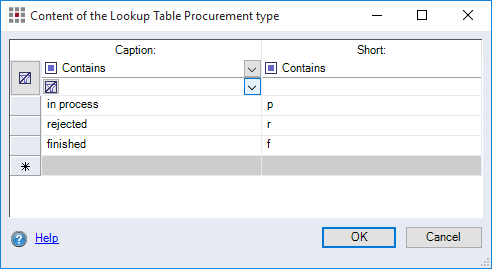
The table contains all columns of the lookup table and their content. The first two rows in each column are used for filtering the data for each column.
| Filter options | |
|---|---|
| Filter for the first row: | Select the filtering method. |
| Filter for the second row: | Select or enter what you wish to filter. |
Button  |
Clear all filter criteria |